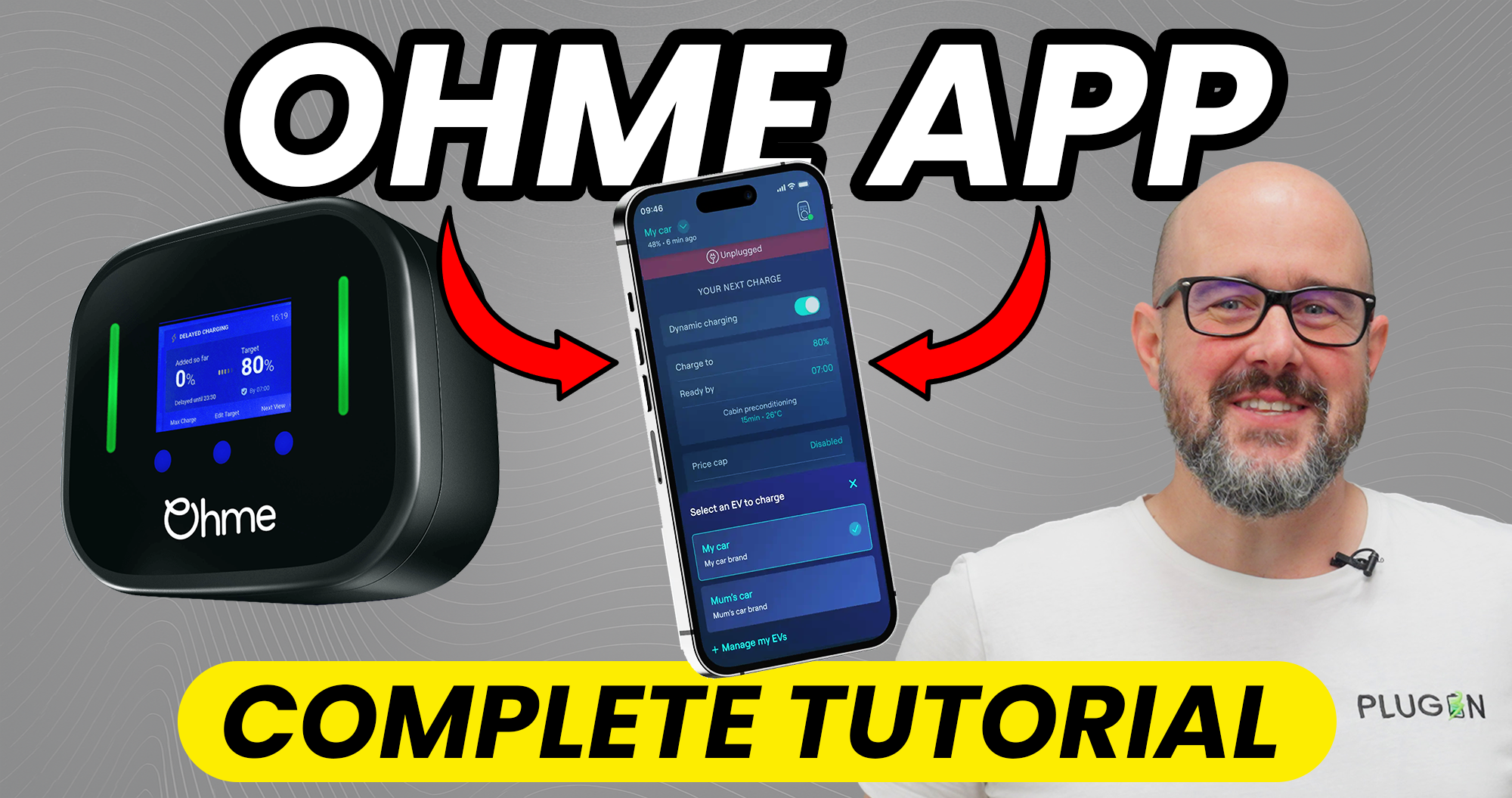

How to Save Up to 70% on Your EV Charging Costs with the Ohme App
Getting an Ohme charger installed is just the beginning. The real magic happens when you unlock the full potential of the Ohme app—a powerful tool designed to slash your charging costs by up to 70% while giving you complete control over your EV charging routine.
Whether you're a brand-new Ohme user or looking to optimise your existing setup, this comprehensive guide will walk you through everything you need to know about using the Ohme app to save money, charge smarter, and take full control of your home EV charging.
Getting Started: Setting Up Your Ohme App
The first step to unlocking serious savings is getting your Ohme app properly configured. Download the app from the Apple or Google Play Store, create your account with a secure password, and you're ready to connect your charger.
Your installer will guide you to the QR code—typically found on a sticker underneath the charger or displayed on the front screen. Once scanned, the app detects and connects to your charger via built-in 3G or 4G connectivity. This means you don't need Wi-Fi for the system to work, which is one of the significant advantages Ohme offers over many competitors.
Understanding Your Command Center: The Ohme Dashboard
Once connected, you'll see the home screen—your charging command center. The dashboard displays your charger's current status (charging, idle, or locked), a graph showing recent charging activity, and crucially, detailed information about energy usage and costs.
The session section is where transparency meets accountability. Every single charging session is recorded with precise details: when you charged, duration, energy consumed, and most importantly, the exact cost based on your electricity tariff. This granular visibility helps you understand your charging patterns and identify opportunities for further savings.
The cost estimate feature provides a rough projection of what your next charge will cost based on your current settings and electricity rates. This planning tool is invaluable for budget-conscious EV drivers looking to manage their monthly energy expenses.
The Smart Way to Charge: Scheduling for Maximum Savings
This is where the Ohme app truly shines. When you tap "new charge," you're presented with two distinct options:
Instant Charge charges your vehicle immediately at full speed until the battery reaches capacity or you unplug. Use this sparingly—only when you need to get on the road immediately.
Schedule Charge is the intelligent approach that unlocks massive savings. Rather than charging immediately, you set two parameters: your desired battery level (say, 80%) and your ready-by time (such as 7:00 a.m. tomorrow).
Here's the clever bit that separates Ohme from basic chargers: the system doesn't necessarily start charging right away. Instead, it analyses your electricity rates throughout the night and charges during the cheapest windows. You could pay half the price compared to charging immediately—potentially saving £10-£15 per full charge.
For even greater control, Ohme offers a price cap setting. Set a maximum rate you're willing to pay (for example, 15p per kilowatt hour), and Ohme respects that limit. If rates don't drop below your threshold, the car won't charge. It's complete cost control in your hands.
You can also establish recurring routines—charging every weekday at the same time and level for your commute, or higher levels on weekends for longer trips. Set it once and let Ohme handle it automatically.
Unlocking Dynamic Charging: Tariff Integration
To access dynamic charging and maximum savings, you need to connect your electricity tariff to the Ohme app. Navigate to settings, then charger settings, and look for "energy tariff".
Popular smart tariffs like Intelligent Octopus Go are specifically designed to work seamlessly with EV chargers like Ohme. These tariffs feature cheap off-peak windows—sometimes as low as 5p to 7p per kilowatt hour. When connected, the Ohme app can see those rates in real time and schedule charging for the absolute cheapest moments.
Adding your tariff requires your electricity supplier details and account information. Most major UK suppliers are listed, from Octopus Energy to EDF to British Gas. Once connected, the app displays a live visualisation of electricity rates throughout the day. You can literally see when the cheapest charging windows are.
This integration is how Ohme users save up to 70% compared to standard rates. For context, charging a typical EV with a 60kWh battery on a standard tariff at 30p per kWh costs around £15 for a full charge. The same charge using an EV-specific tariff during off-peak hours could cost just £4.50—representing savings of approximately £275-£350 per year compared to standard smart chargers.
Emergency Fast Charging: Max Charge Mode
Life doesn't always follow a schedule. When you're heading out unexpectedly and can't wait for the cheapest rates, Max Charge mode has you covered.
From the charging screen, tap the Max Charge button and your charger immediately switches to full power charging. The app disables all smart features temporarily and charges your car as quickly as your home electrical system allows—typically 7.4kW for standard installations. This overrides any scheduled charges or price caps.
Once your battery is full or you unplug, the system automatically reverts to normal charge settings. It's your emergency fast-charge button for when plans change unexpectedly.
Green Energy at Zero Cost: Solar Charging Integration
If you have solar panels installed at home, Ohme offers a feature that could dramatically reduce your charging costs. With a CT clamp installed on your solar system (your installer can help with this), Ohme can detect excess solar power your panels generate that isn't being used by your household.
Enable solar charging in settings and choose your mode:
Solar Boost uses solar energy to supplement grid charging when available, topping up your solar output to meet your car's minimum charging rate when costs are low.
Solar Only charges your car exclusively when sufficient solar power is being generated. Perfect for sunny days when you're not using much electricity indoors.
Watch the app detect your excess solar energy in real time and automatically start charging your car with free, green energy. Your carbon footprint drops and so do your bills. Many solar panel owners report charging their electric vehicles completely free for weeks at a time during summer months.
Security and Control Features
Security is built into every aspect of the Ohme app. You can physically lock your charger remotely from the app—disabling buttons on the physical unit and preventing anyone from starting a charge without app authorisation.
You can also control the front panel lights, useful if you find the LED display distracting at night. Dim it or turn it off completely.
For households with multiple users, Ohme allows you to invite team members or family members to your account with different permission levels. Some users might only start instant charges, while others have full control including scheduling.
Multi-Vehicle Management
Households with more than one EV are increasingly common, and Ohme has this scenario covered. In settings, tap "add car" to register multiple vehicles. Switch between them in the app to track charging for each car separately.
Set different charging habits for different vehicles—perhaps your work car needs to be ready at 6:00 a.m. every weekday while your family car charges during super cheap weekend slots. The app tracks sessions and costs for each vehicle independently, showing exactly which car costs what to charge.
Data Transparency: The Usage Center
The usage center serves as your comprehensive data hub. Navigate to "usage" in the main menu for detailed breakdowns: total energy used, total cost, average cost per charge, and CO2 saved.
Graphs display your usage over time—weekly, monthly, or custom date ranges. Filter by charge type to see how much you've saved using smart charging versus paying standard rates. If you have solar panels, you can see your solar charging contributions.
The best part? You can export this data as a CSV file for spreadsheet analysis, sharing with your accountant for tax purposes, or in-depth personal review. Complete transparency.
Real-Time Monitoring and Troubleshooting
At the top of your dashboard, you'll see your charger status in real time: Charging (actively charging), Ready (idle and ready to go), Standby (connected but not actively charging), or Offline (connection lost, usually due to 3G or 4G issues).
If something doesn't look right, tap charger info to see detailed diagnostics including connection status, firmware version, and any error codes. There's a direct "contact support" button that connects you to Ohme's support team.
Most common issues are resolved by checking that Wi-Fi isn't interfering with 3G or 4G connectivity, ensuring the charger has power, and restarting the app. These steps resolve 99% of issues.
The Bottom Line: Taking Control of Your EV Charging Costs
The Ohme app transforms your home EV charger from a simple power delivery device into an intelligent cost-saving system. By leveraging smart scheduling, tariff integration, solar charging capabilities, and comprehensive monitoring tools, you gain complete control over when, how, and how much you spend on charging.
With potential savings of up to 70% compared to standard rates and £275-£350 annually versus basic smart chargers, the time invested in mastering the Ohme app delivers substantial financial returns. Whether you're optimising for minimum cost, maximum convenience, or environmental impact, the Ohme app provides the flexibility and intelligence to charge your way.
At Plug In Stations, we've successfully installed over 5,000 EV charge points across the UK, and we've seen firsthand how the right charger paired with smart app usage transforms the EV ownership experience. If you're considering an Ohme charger installation or want to optimise your existing setup, our expert team is ready to help you maximise your savings and take full control of your home EV charging.
Ready to start saving on your EV charging? Contact Plug In Stations today to discuss Ohme charger installation and discover how much you could save on your monthly energy bills.


